EN



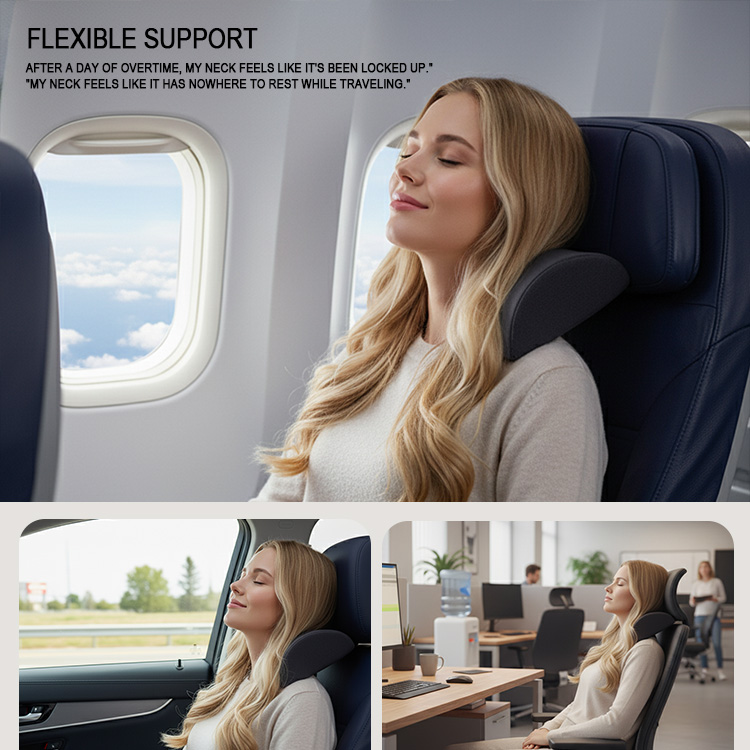
The lumbar spine naturally curves inward—a shape called lordosis—to distribute mechanical load across vertebrae, discs, and muscles. Without adequate lumbar support, this neutral curve tends to collapse or flatten during prolonged sitting. The pelvis tilts backward, the lower back rounds, and the upper back and neck compensate by craning forward. That posture increases sustained tension in the erector spinae and places uneven pressure on the lumbar discs, setting the stage for microtrauma and fatigue.
The risks extend beyond transient stiffness. Workers who sit for hours in chairs with poor lower back support often develop muscle imbalances: hip flexors shorten, gluteal muscles weaken, and lumbar extensors overwork. These imbalances can progress into work-related musculoskeletal disorders (MSDs). EU-OSHA identifies awkward static sitting postures as a major contributor to back pain—one of the most common reasons for lost workdays and reduced productivity. Even moderate lumbar discomfort can fragment attention, lower task accuracy, and increase error rates.
From an occupational perspective, investing in proper lumbar support is a form of ergonomic risk control. It preserves spinal alignment, lowers cumulative loading on passive tissues, and helps maintain comfort during extended desk work. The result is less afternoon fatigue, fewer pain-driven posture breaks, and a more sustainable work rhythm. A chair or add-on device that supports the natural lordotic curve is therefore not a luxury—it is a practical safeguard for long-term musculoskeletal health.
Lumbar support is not simply a pad pressing into the lower back. Its primary biomechanical role is to redistribute load between the seat pan and backrest, preserving the natural lumbar curve while reducing muscular effort. In a controlled seat and backrest pressure-mapping study, an off-loading posture with reduced ischial support and enhanced lumbar support shifted force and peak seat pressure anteriorly toward the thighs. It also increased backrest contact and significantly reduced lumbar-muscle activity compared with normally supported upright sitting. This shift matters because prolonged static sitting concentrates pressure under the ischial tuberosities and forces paraspinal muscles to stabilize the trunk. By filling the gap between the lower back and the chair, effective lumbar support helps maintain pelvic alignment and decreases compressive stress on intervertebral discs.
However, support must be adjustable rather than excessive. A thick cushion that merely compresses under load can force an exaggerated arch. The goal is a stable foundation that supports the pelvis while the backrest accepts a greater share of upper-body weight. Current evidence confirms that lumbar support changes trunk motion more reliably than it increases intra-abdominal pressure. This combination of pressure redistribution and motion control lets postural muscles relax without allowing the spine to slump.
Selecting the right lumbar support depends on how long you sit, whether you stay at one desk or move between seats, and how much adjustability your spine needs. A mismatch can create concentrated pressure or force an unnatural pelvic tilt, so assess seat depth, backrest height, and support positioning before choosing. Integrated and aftermarket options each solve different problems; the best choice matches your primary work pattern and budget.
Built-in lumbar support is engineered into the chair’s backrest and offers the most stable, hands-free adjustment. Look for independent lumbar pads or cradles that adjust in both height and depth, rather than fixed mesh tension that concentrates force on a small area. Height adjustment aligns the support with the L3–L5 vertebrae, while depth adjustment controls how pronounced the curve feels. Durability tests show independent systems reduce localized frame stress by about 40% (2024). A contoured backrest, breathable materials, and adjustable armrests further support all-day seated work. This option suits dedicated workstations where users sit four or more hours daily and need consistent, automatic spinal support.
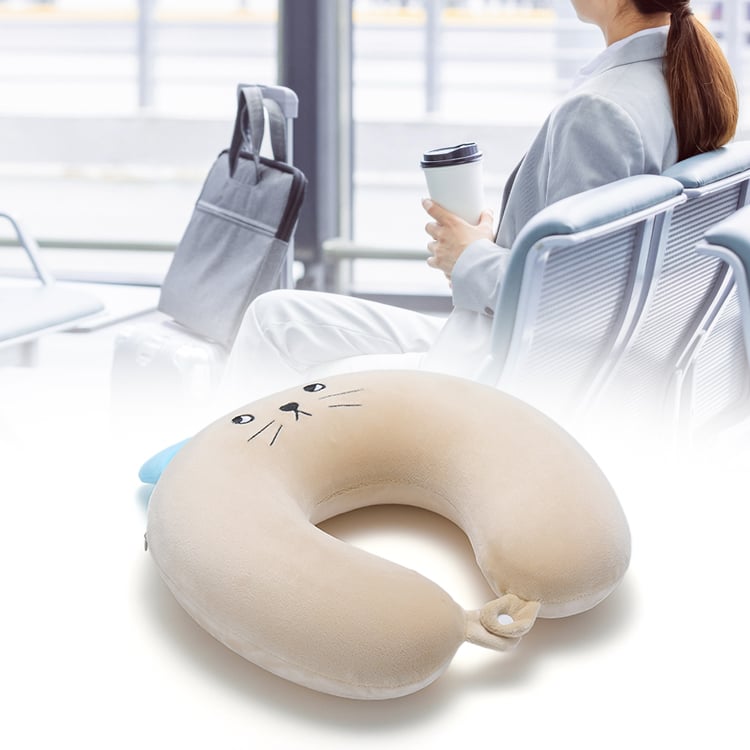
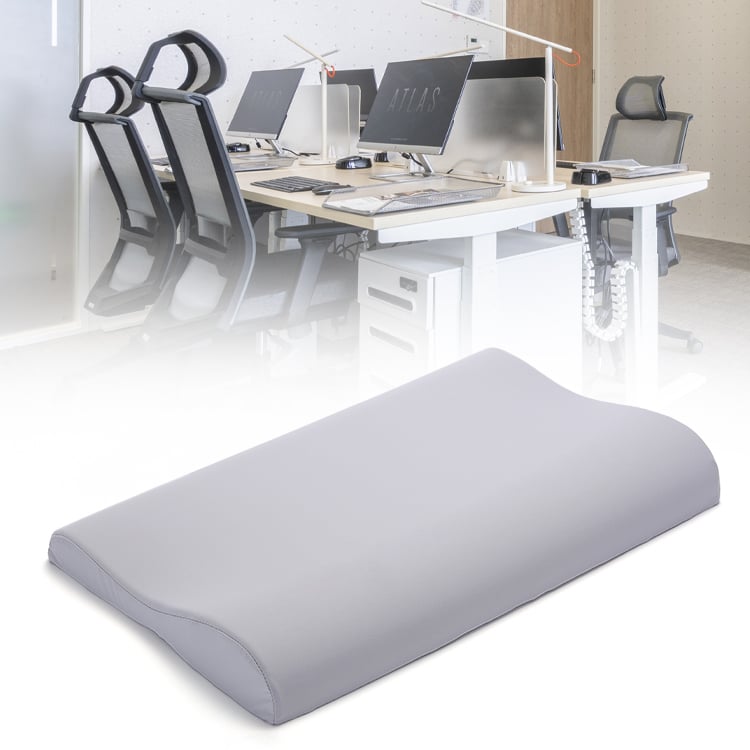
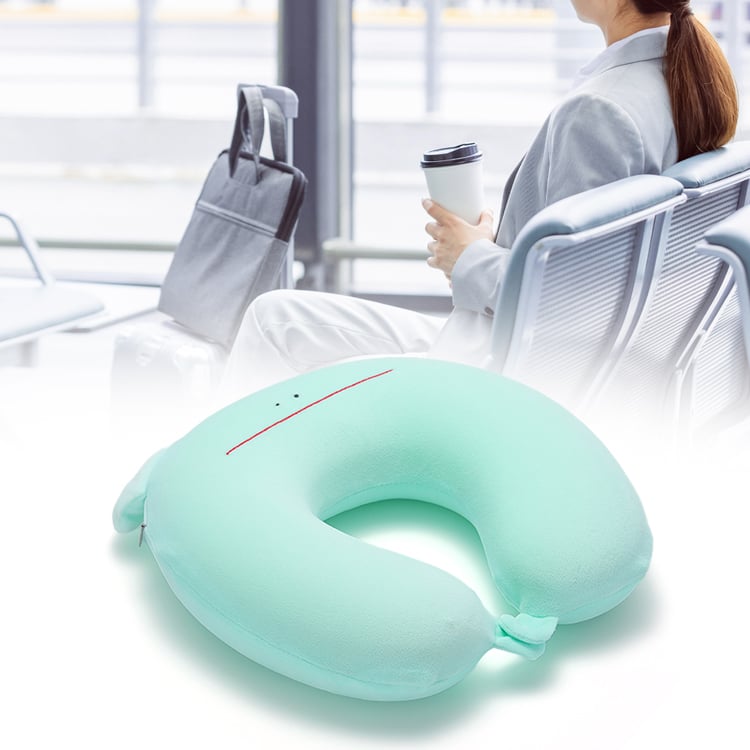
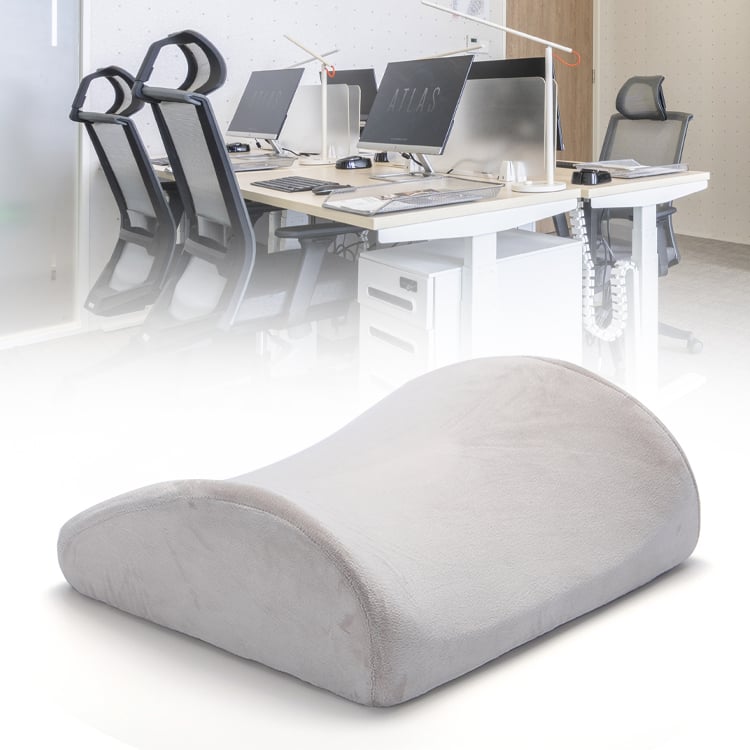
Aftermarket devices—such as shaped pillows or pads—add lumbar support anywhere: office chairs, car seats, and travel seats. They are affordable and easy to adjust across seating environments, but they may shift during movement and do not replace integrated systems. They suit users who split time between a desk, vehicle, or home office and need one portable solution. High-resilience foam and adjustable straps improve stability, but compression and shifting remain limitations. Ideal for temporary use or budget-conscious users needing quick ergonomic relief.
Sit with your pelvis against the chair back so the lumbar support fills the curve of your lower spine. Keep your feet flat on the floor or a footrest, knees near 90 degrees, and shoulders relaxed. Position the monitor at eye level to avoid forward head tilt. Check that the lumbar support feels comfortable—not pushing you into an arched or rigid position.
Small adjustments matter throughout the day. Shift the support’s height or depth after long tasks, because tissue creep and fatigue change how your back tolerates static load. Take movement breaks every 30 to 45 minutes: stand, walk, or perform gentle hip flexor and thoracic mobility drills. Alternate between upright sitting and a slight recline to redistribute disc pressure instead of holding one posture.
Pair equipment adjustments with posture training. Inhale to lengthen the spine, exhale to anchor the ribcage without excessive abdominal bracing. When you return to the chair, recheck contact between the lumbar support and your lower back. Consistency builds endurance, but discomfort signals the need for repositioning or a different support setting. Over time, these habits turn passive support into active postural control.
Why is lumbar support important in chairs?
Proper lumbar support helps maintain the natural curve of the spine, reduces stress on the lower back, and prevents muscle fatigue and long-term musculoskeletal disorders.
What are the key benefits of lumbar support?
Lumbar support helps prevent back pain, enhances comfort during prolonged sitting, and improves overall productivity by maintaining proper spinal alignment and reducing stress on the back muscles and discs.
How do I choose the right lumbar support?
Consider factors such as the amount of time you spend sitting, the adjustability of the support, and whether you need a portable solution or a built-in option for a dedicated workspace.
How can I integrate lumbar support into my daily routine?
Sit with your pelvis against the chair back, ensure the lumbar support fills the curve of your spine, and make small adjustments throughout the day. Take regular breaks to walk or stretch, and practice good posture to complement the benefits of lumbar support.

Established in 2007, Welldo is a manufacture and trader specialized in the research, development and production of all kinds of memory foam pillows. We are located in Xiamen, with convenient transportation access. All of our products comply fit international quality standards and are greatly appreciated in a variety of different markets throughtout the world. In order to further enhance the company's strength and competitive edge, and at the same time respond to the call of the country